Run your business
in one system.
Manage customers, quotes, jobs, stock and people in Syncaida. Connect the office with the work being done on the floor and in the field.
Built in New Zealand.

CRM, quoting and production
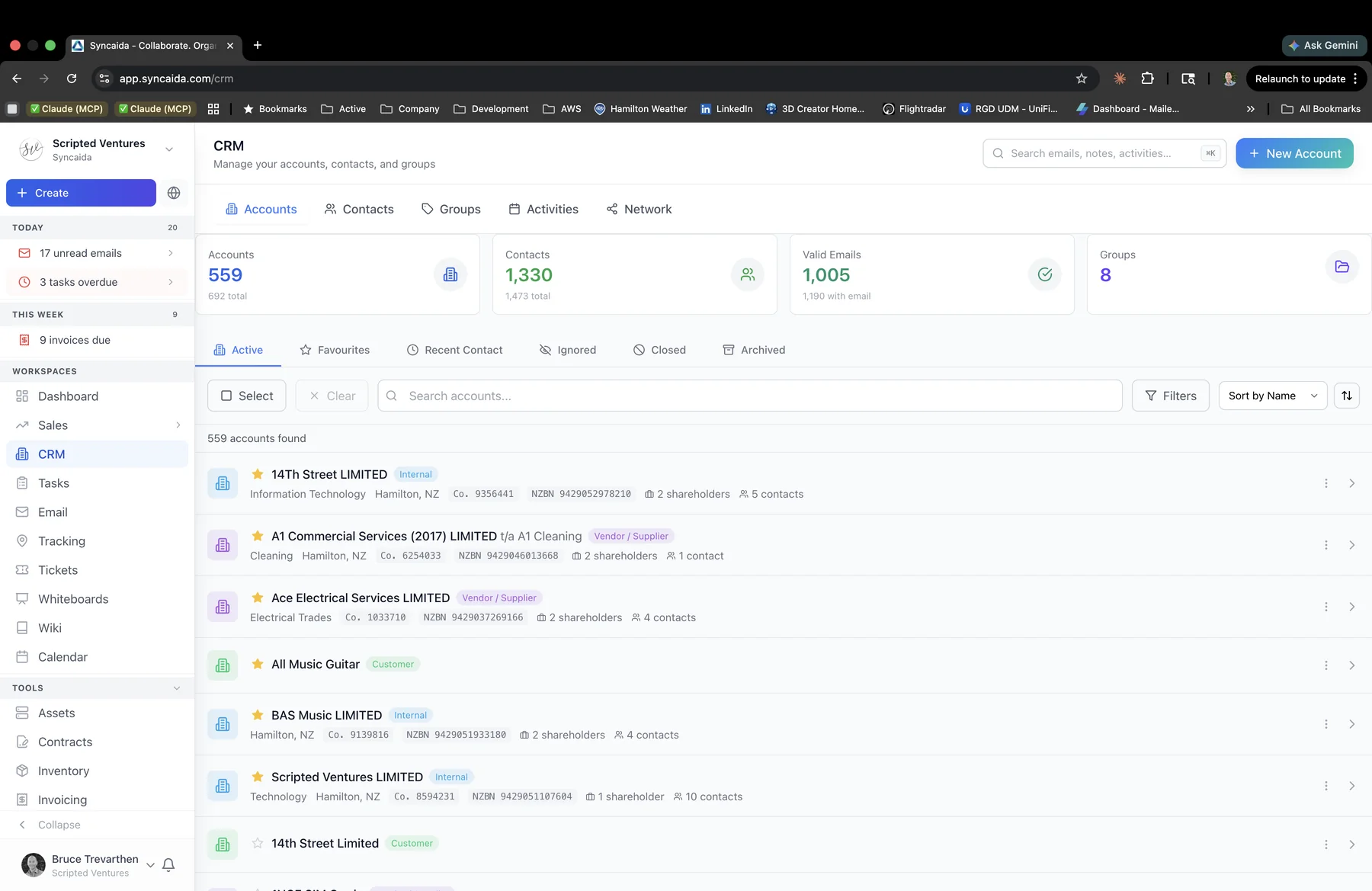
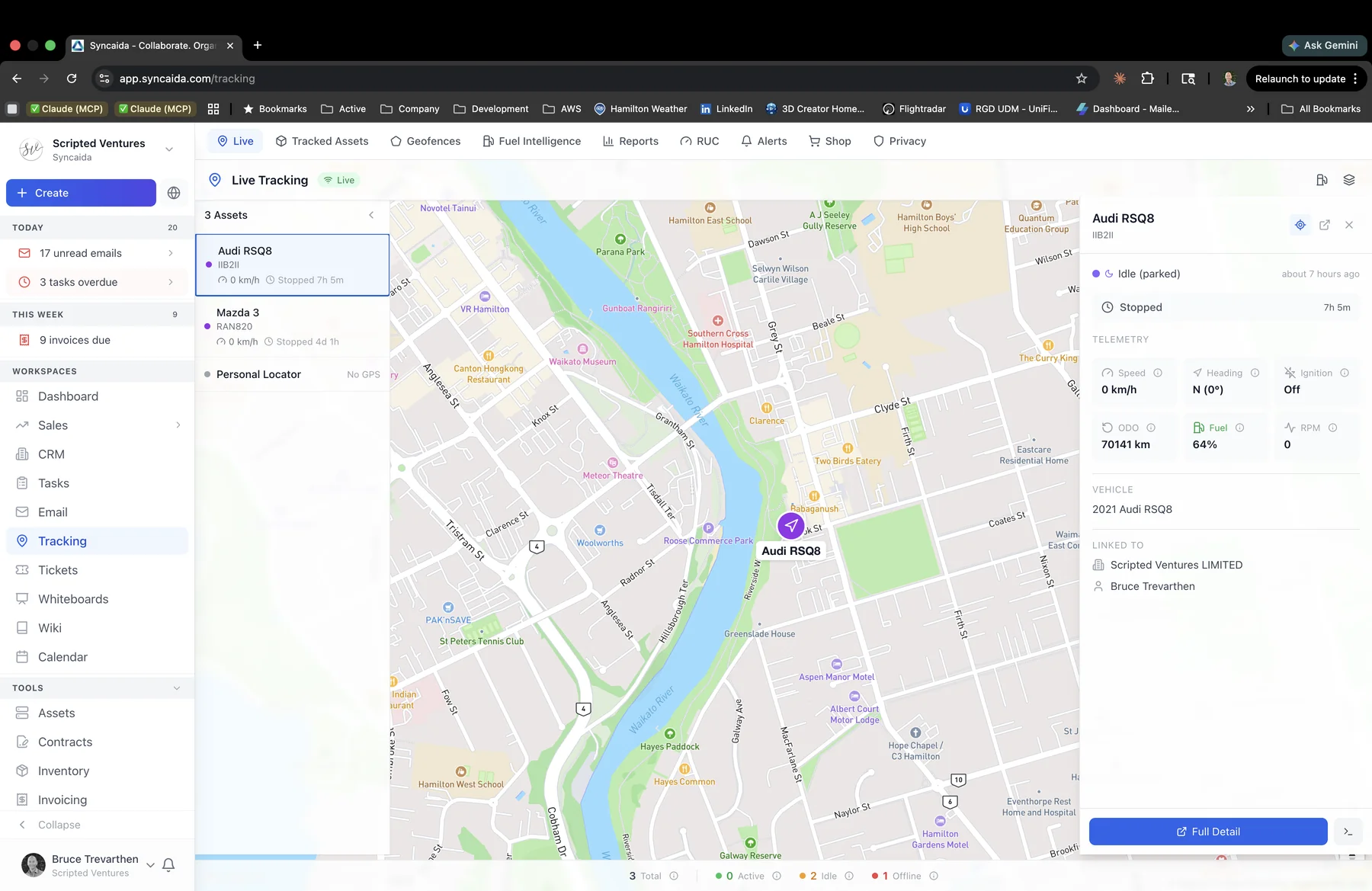
Keep customer information, quotes and production jobs in the same system. Choose a step below to view its workspace.
Choose the modules you need
Browse all 42 modules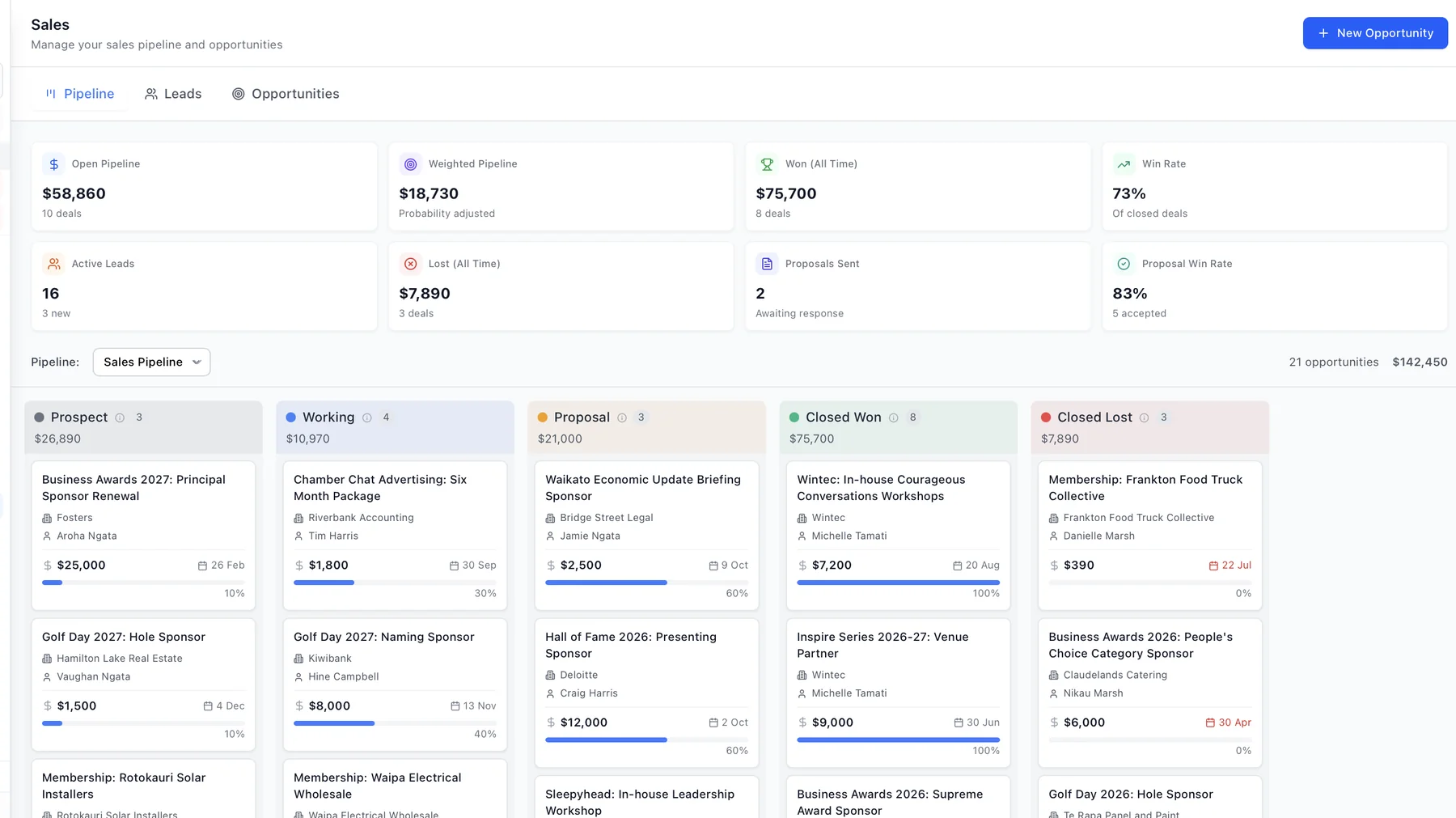
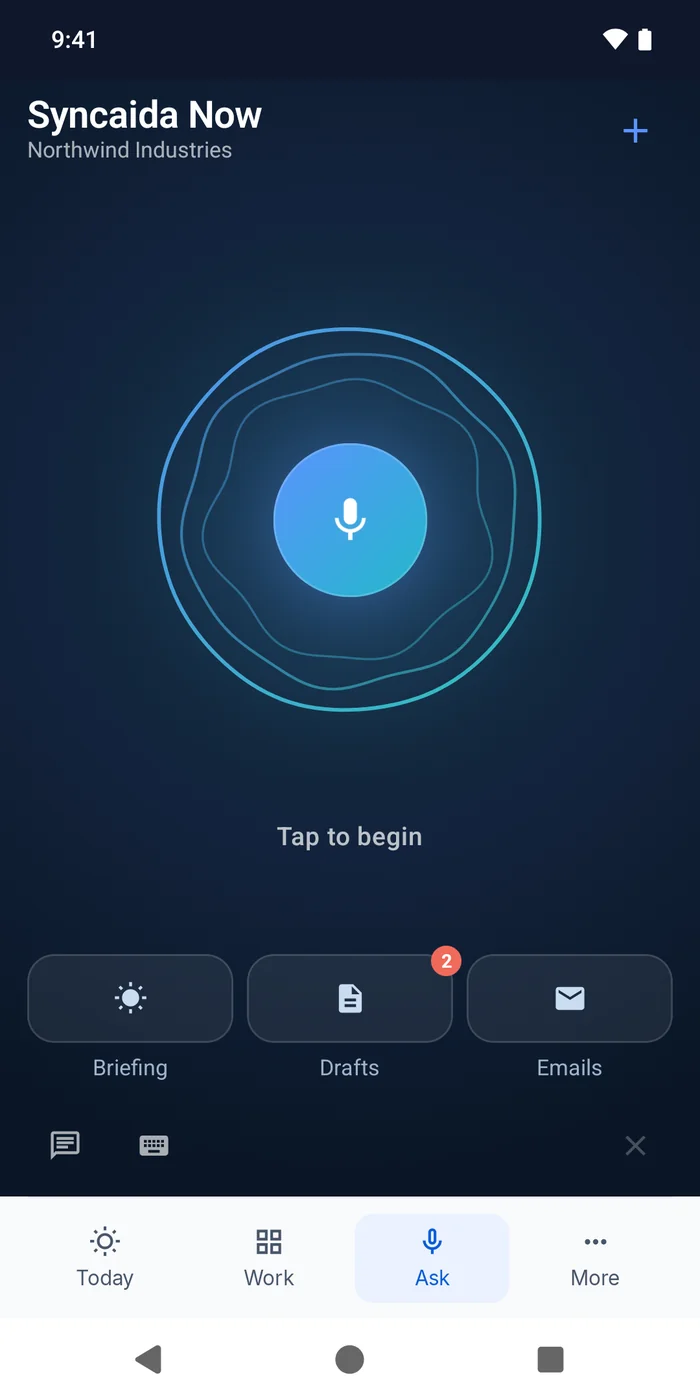
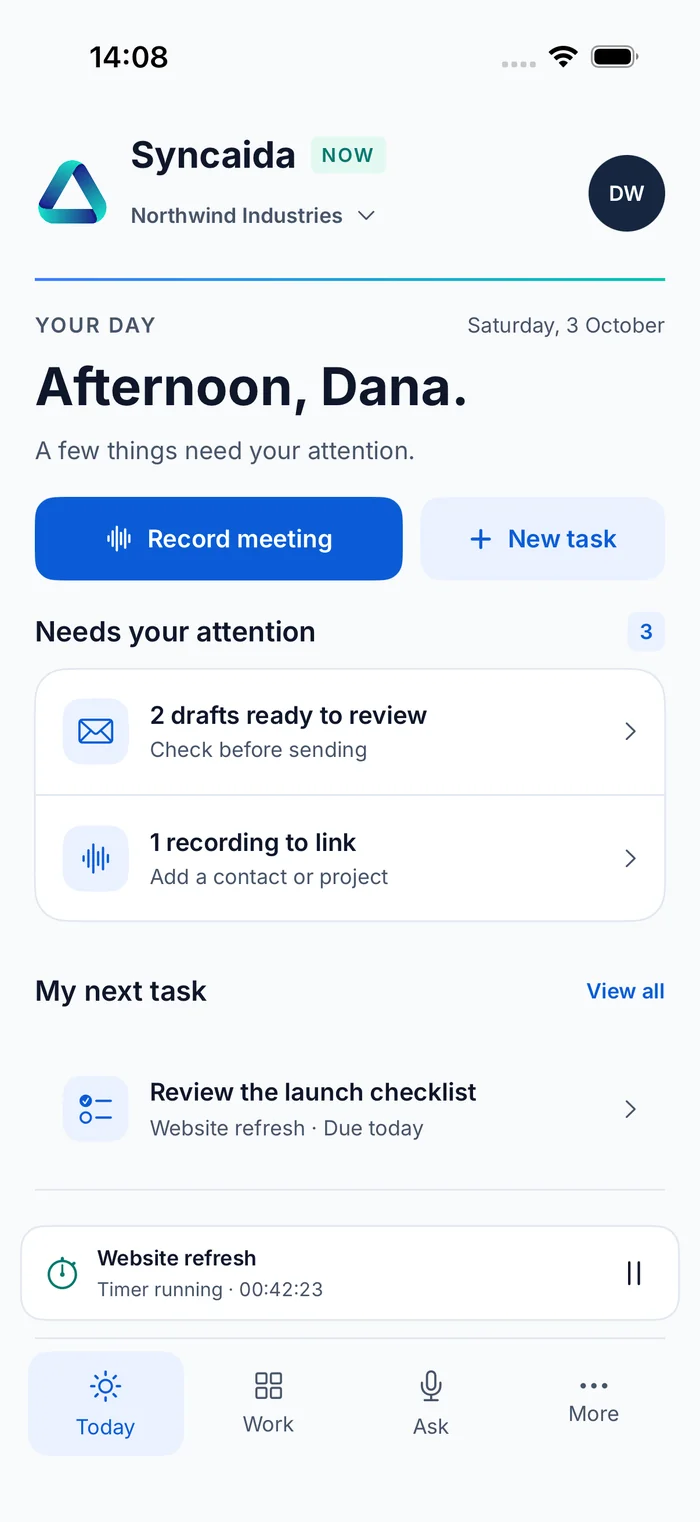
Syncaida Now
Record conversations, review tasks and access customer information from your phone.
Equipment monitoring
Connect sensors and cameras to machine and asset records. Review readings, history and configured alerts alongside the relevant work.
Explore sensors & hardware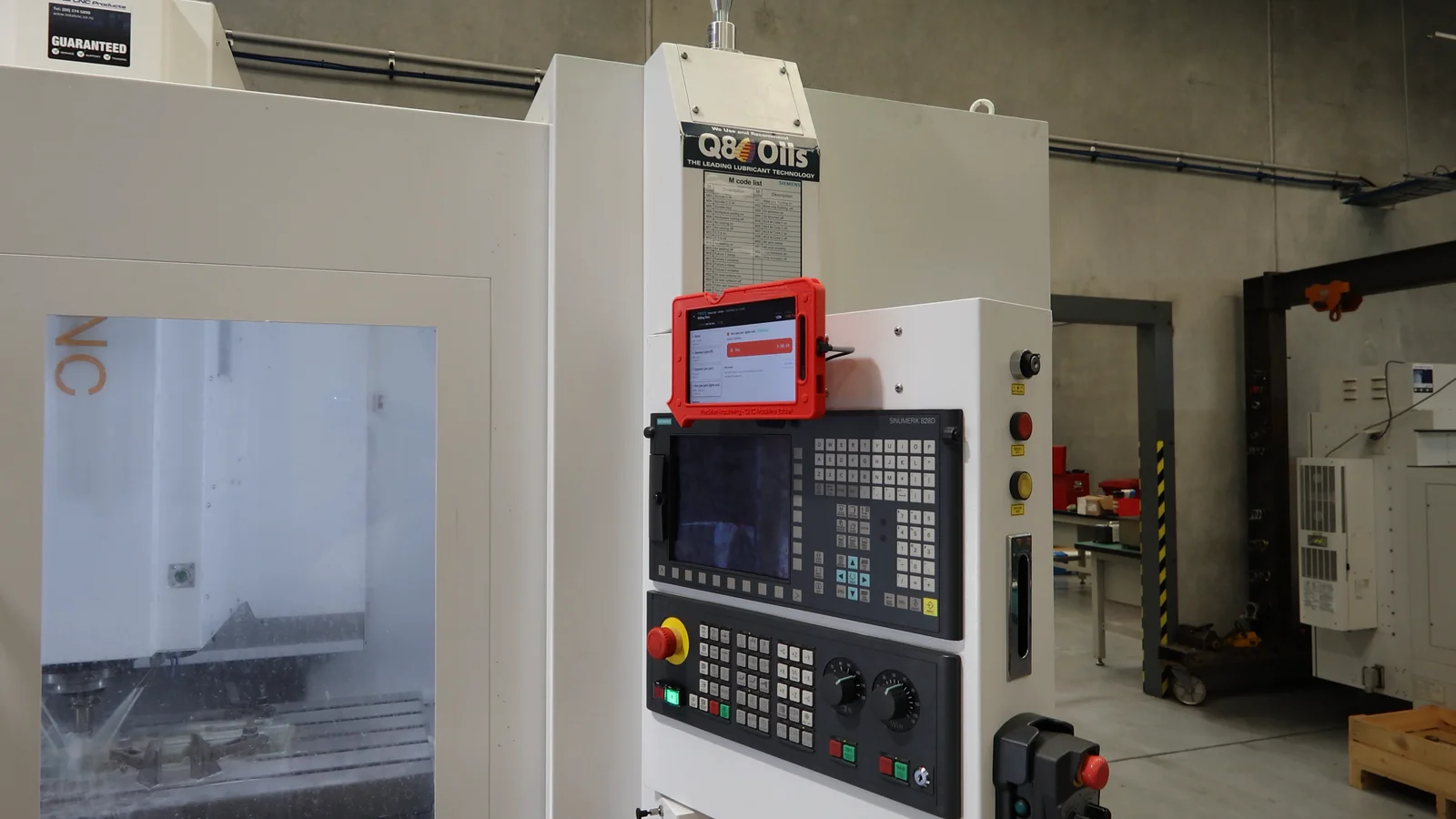
Liquid level monitoring
View the coolant level, reading history and configured alerts for a machine.
Explore liquid levelsLow alert at 25%
Example history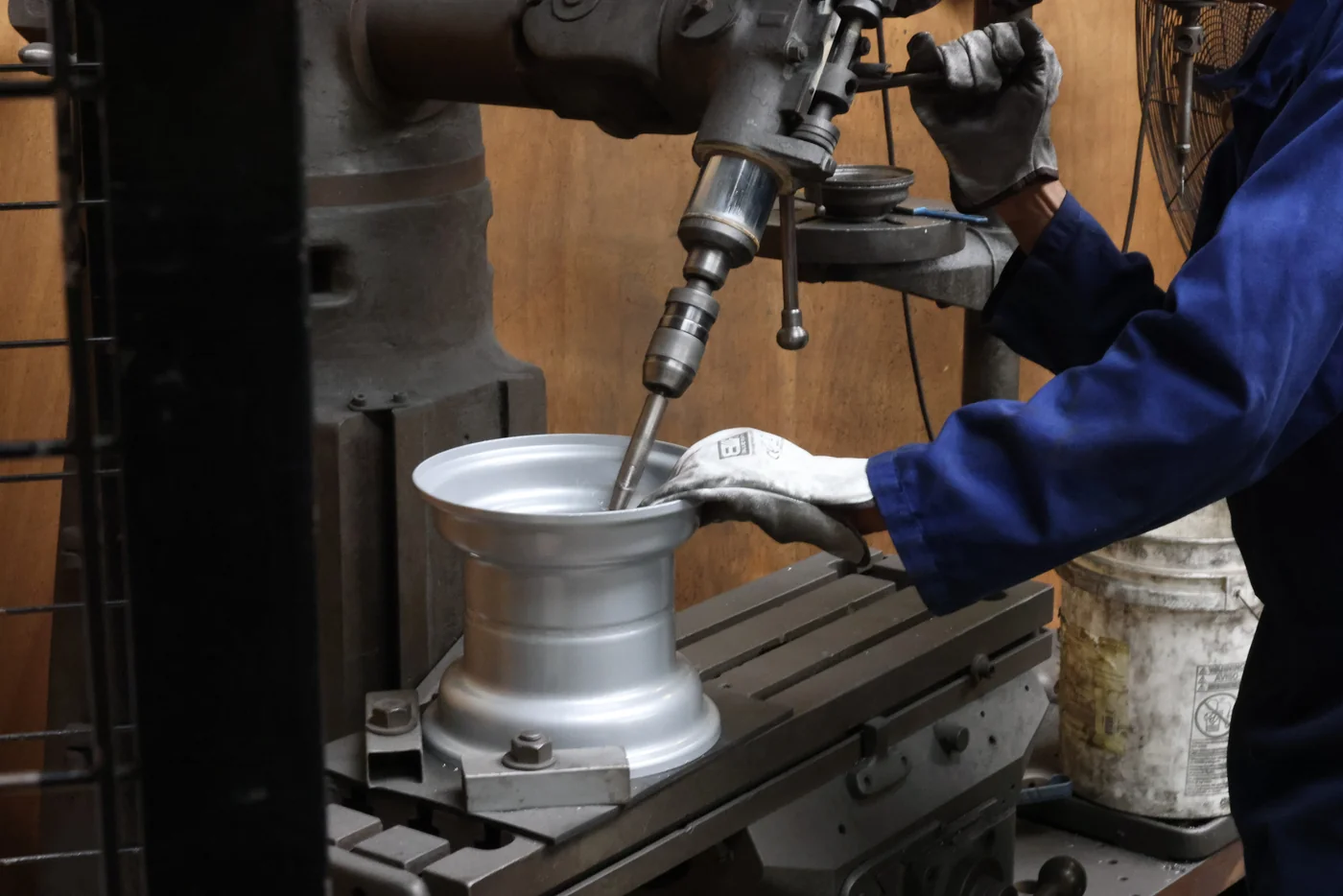


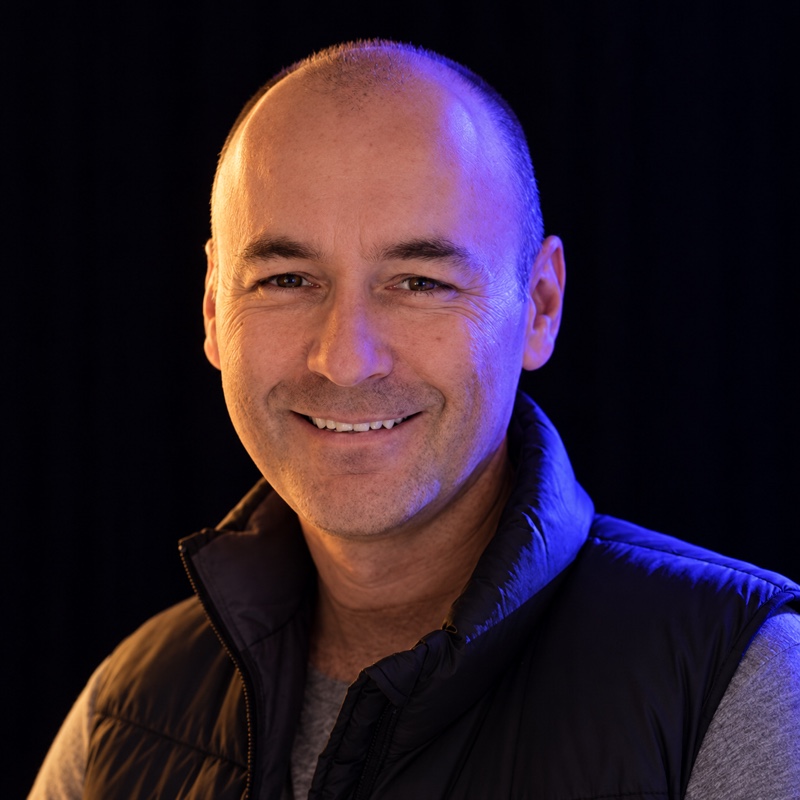 Bruce TrevarthenFounder & CEO
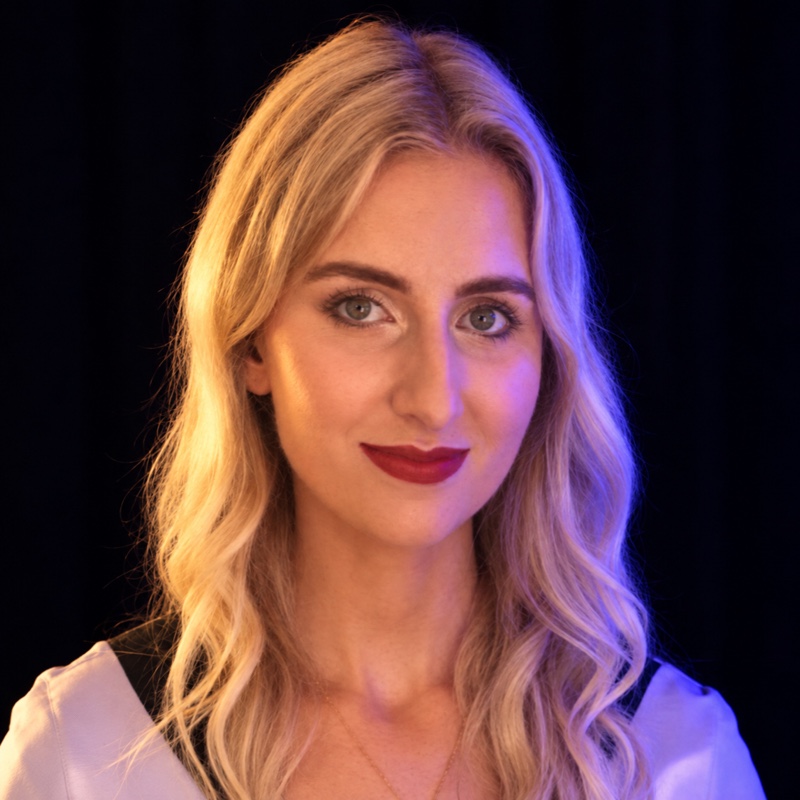 Emily LenzExecutive Assistant & Business Operations Coordinator
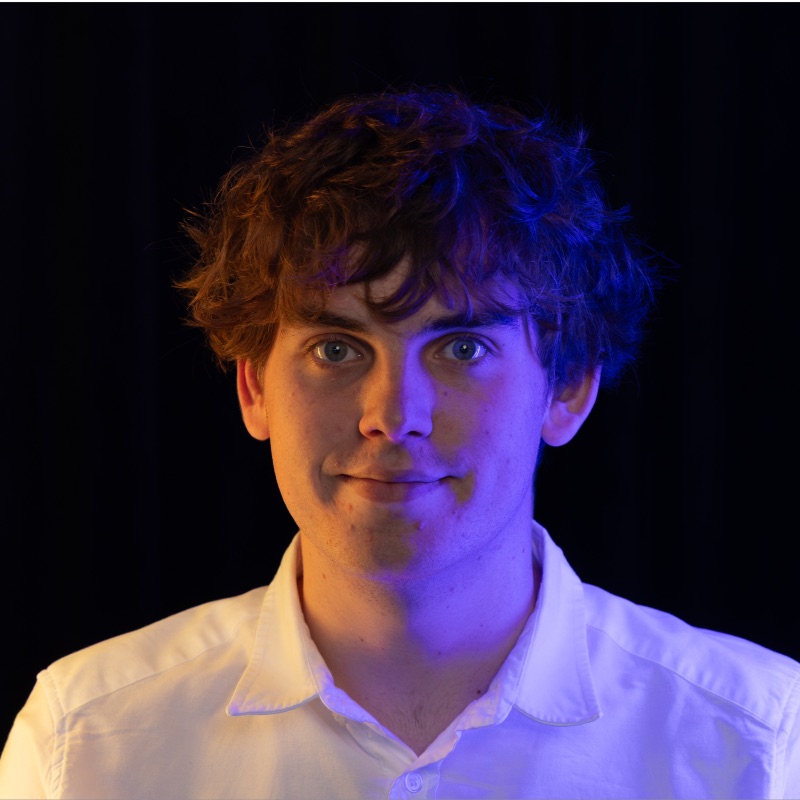 Jack SmithsonSolution Specialist
 Regan SimonsHead of Architecture
 Daniel PisatiUI/UX Designer
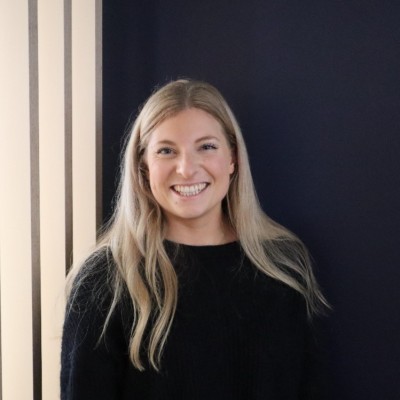 Emma BryantOnboarding SpecialistJoining 17 November 2026
 Marty PineHead of Delivery
 Seth SharpeIoT Design & Build
The Syncaida team
Our New Zealand team helps with configuration, data migration and onboarding.
Questions
Contact the teamWhat does Syncaida bring together?
Syncaida connects CRM, sales, projects, manufacturing, stock, purchasing, fleet, people and marketing on shared business records. Configured sensors and cameras bring physical-world signals into the same context.
Do we need to change everything at once?
No. Deployment is scoped around your operation. We agree the starting modules, data migration, integrations and hardware, then work with your team to put those workflows into use.
Can we keep services such as Xero and Microsoft 365?
Yes. Supported integrations connect services including Xero, Microsoft 365, Google Workspace and Claude. Exact access, synchronisation and setup depend on the service and agreed scope.
How do sensors connect to the business?
Commissioned signals attach to machine or asset records, where the team can review readings, history and configured alerts. Hardware, calibration and notification audiences are agreed during setup.
Book a demo
Tell us what you need to manage. We’ll show you the relevant parts of Syncaida.